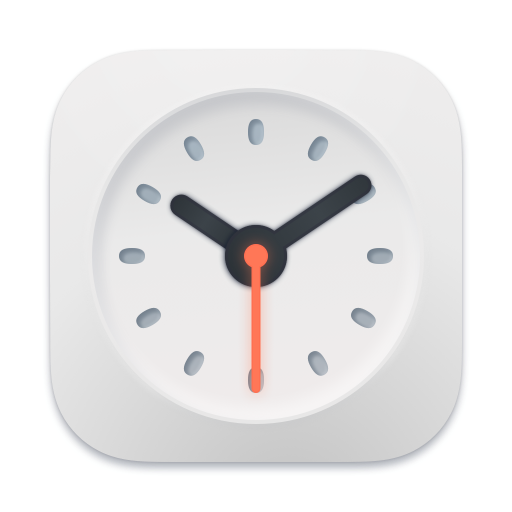

A live clock in the Dock
Clock mini can run in the Dock all the time, and it looks sharp on a Mac with a Retina display.
Clock mini puts a live clock in the Dock, runs timers, and lets timers or world clocks live on your desktop as standalone windows. Widgets are there when you want a quick glance.

A beautiful live clock running in the Dock all the time.
Clock mini can run in the Dock all the time, and it looks sharp on a Mac with a Retina display.

Click and hold or right-click the app icon to access the main clock, timer, world clock, and clock face controls.
Multiple timers with desktop mode and full-screen focus.

Timers run independently, so different tasks can keep their own duration and alert preferences.

Use full-screen mode when the timer is the task, from workouts to talks and time-boxed work sessions.
World clocks in a dashboard, on the desktop, and in a converter for planning across time zones.

Browse all your clocks, adjust sizes from the menu bar, and switch faces with a right-click.

Convert future meeting times for remote teammates without mental calendar math.
Clock and world clock widgets for glanceable time information.

Add widget support for the current clock and world clocks. Search for a new city or choose a different clock face directly in Notification Center.
Clock mini includes a gallery of clock faces you can apply with one click.
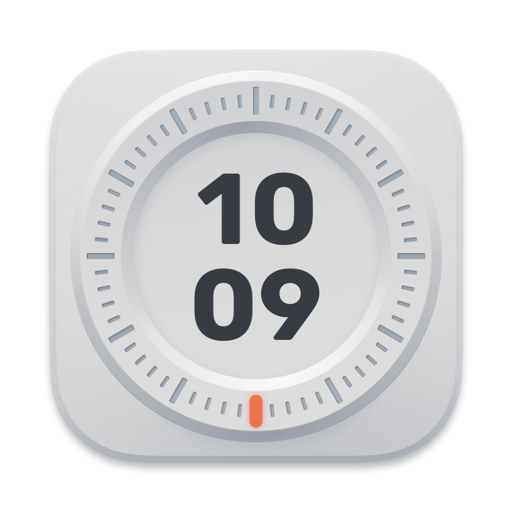 MaxDigital
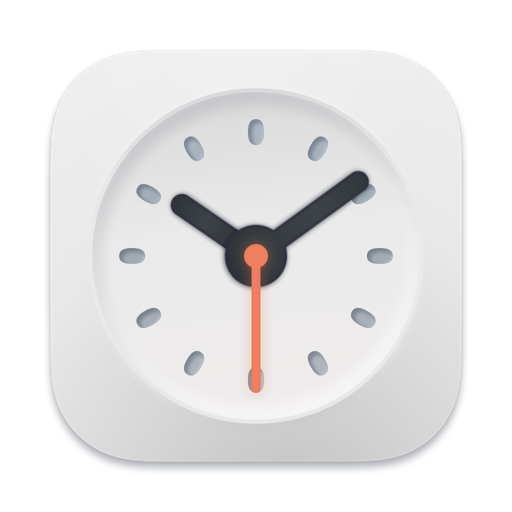 Alpha 2Stylish
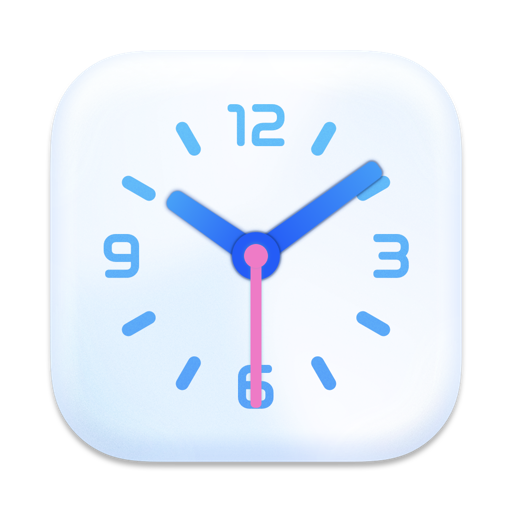 CalmStylish